


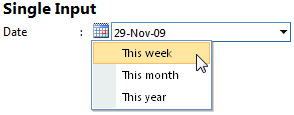
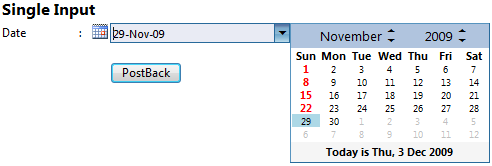
WebInput provides a new feature that allows users to easily populate a date value through a built-in contextual popup box.
In this topic, you will learn how to enable quick date selection.
To enable quick date selection for single WebInput
- Right-click on WebInput control and choose Properties.
- In Properties box, expand DateTimeEditor.
- Set IsEnabled to True and ShowQuickSelectDate to True.
 See Also
Tasks
{Walkthrough Topics}
{FAQ and How-to Topics}
Other Resources
{Quick Date Selection}